Turn Footfall
Into Visitor Insights


The Hidden Gaps in Visitor Journeys


Turn Data into Actionable Insights

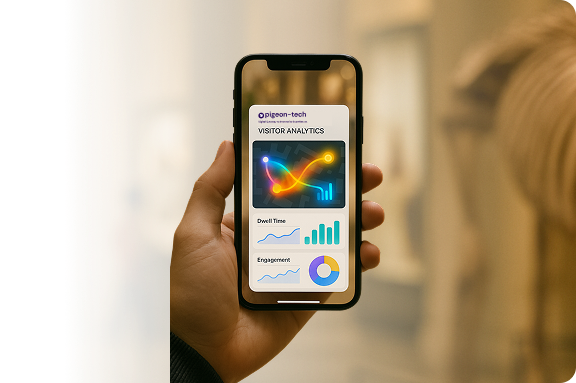
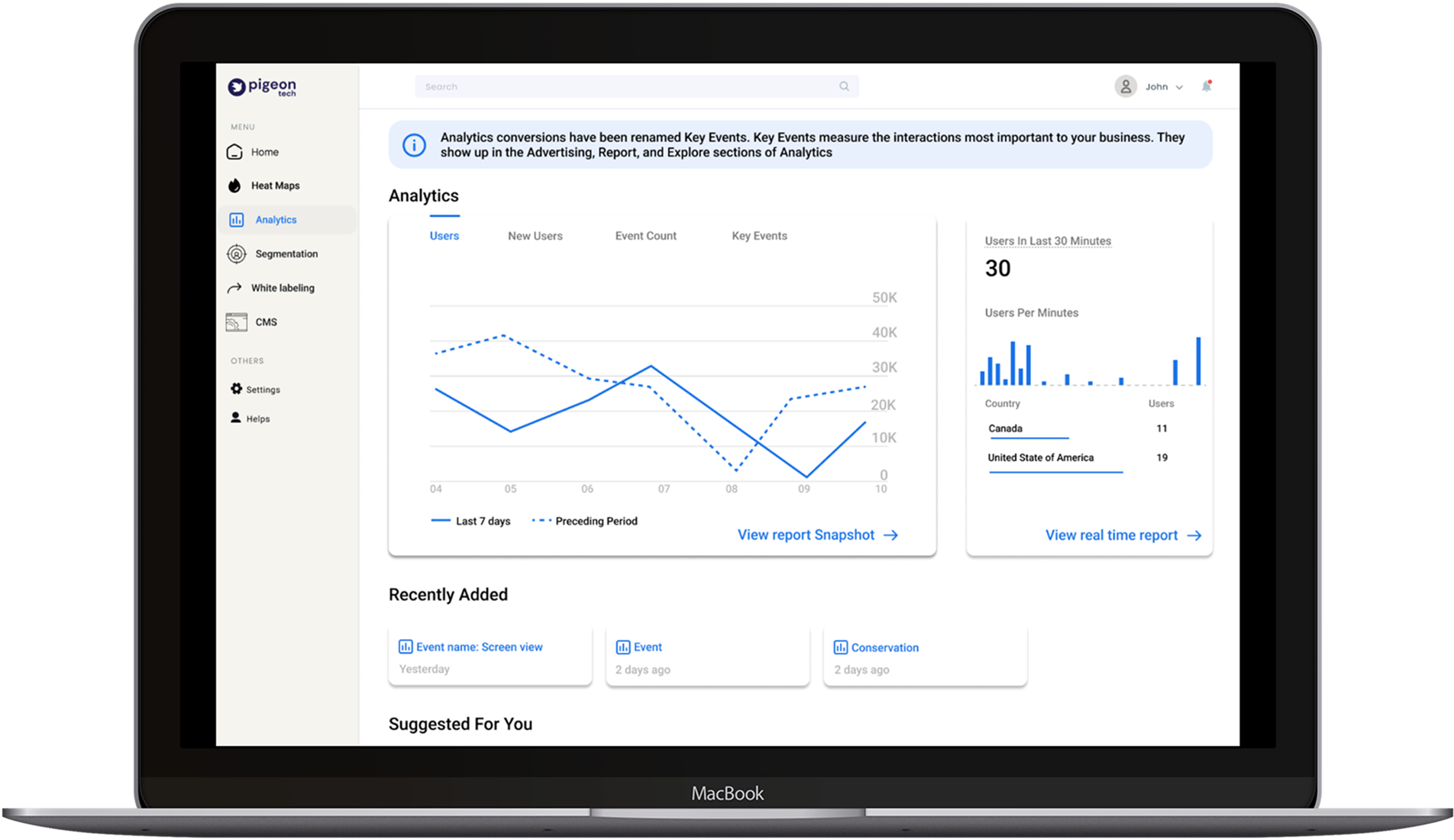
Visitor Analytics combines real-time data from your app and environment to uncover how guests actually experience your space.

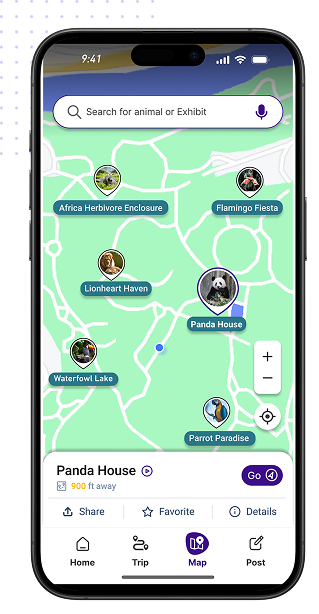
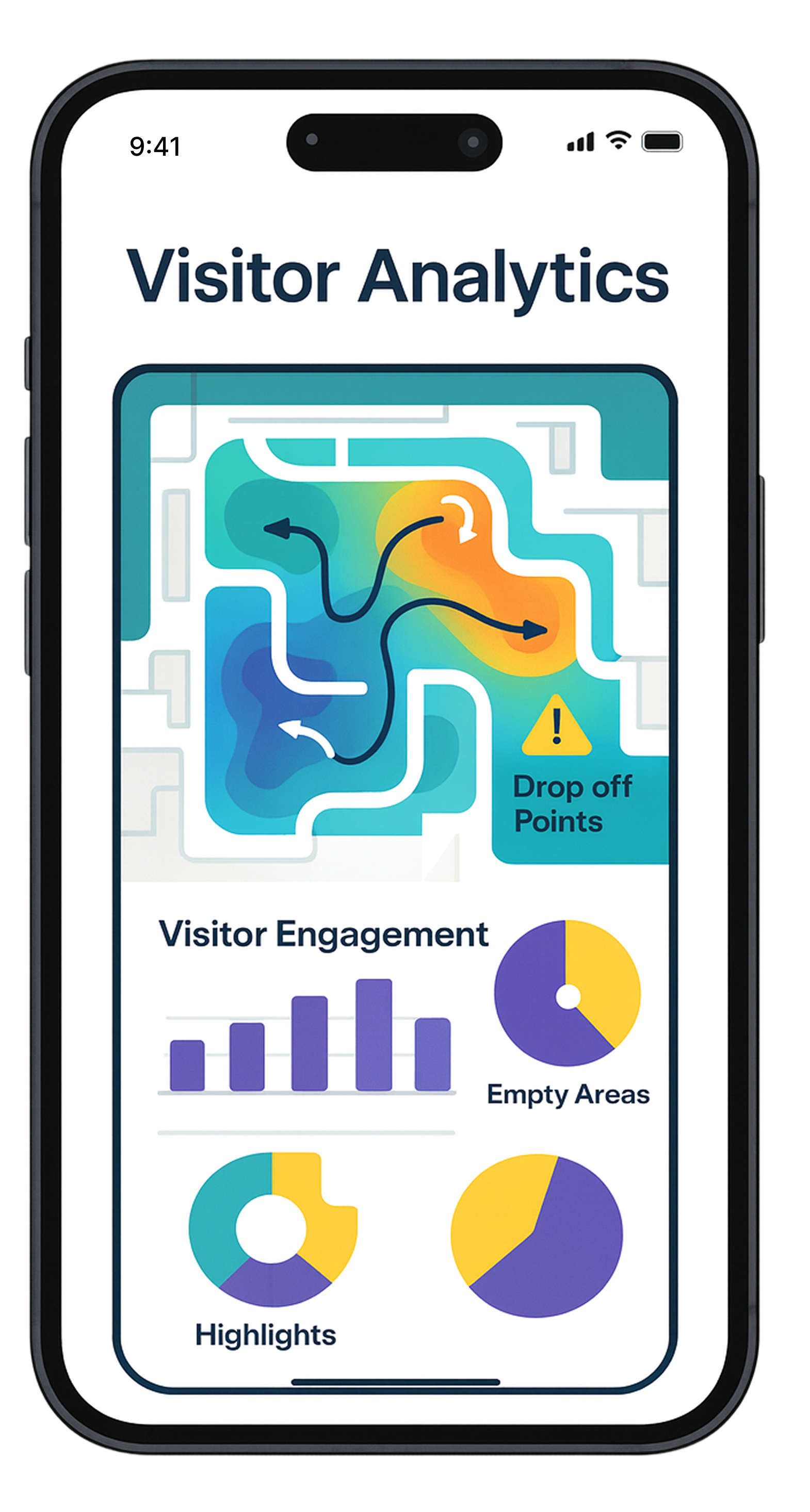
Get behavioral insights that reveal how visitors interact, move, and respond during their journey through your venue.

Gain dwell-time analysis and interaction heat maps to see where guests spend time and what captures their attention.

Collect feedback loops—all in one place—so you can plan smarter, serve better, and prove impact with confidence.
How it Works
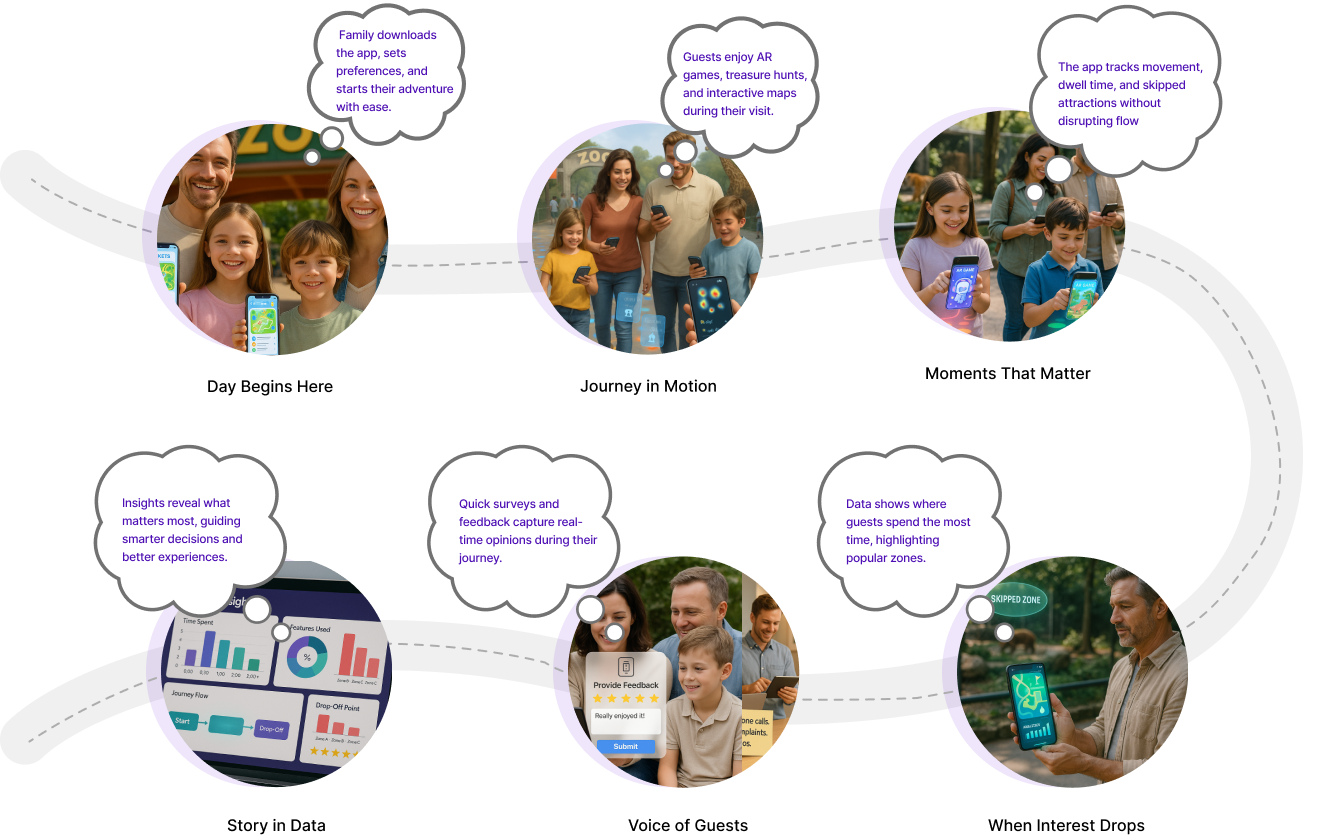
Engage Guests. Empower Operators.
Key benefits


For Venues & operators:


Testimonial
“ Before Pigeon’s analytics, we were making educated guesses. Now, we understand visitor flow, identify problem areas, and optimize layouts. It’s transformed our decision-making. ”
Impact metrics
Longer Visitor Engagement
2X
Average
Stronger Zone Engagement
28%
Increase
Improved Feedback
45%
Increase
Unlock the Hidden Patterns in Visitor Journeys