
Group 88 1

Roles and Permissions

ROLES & PERMISSIONS

Manage Access with
Confidence
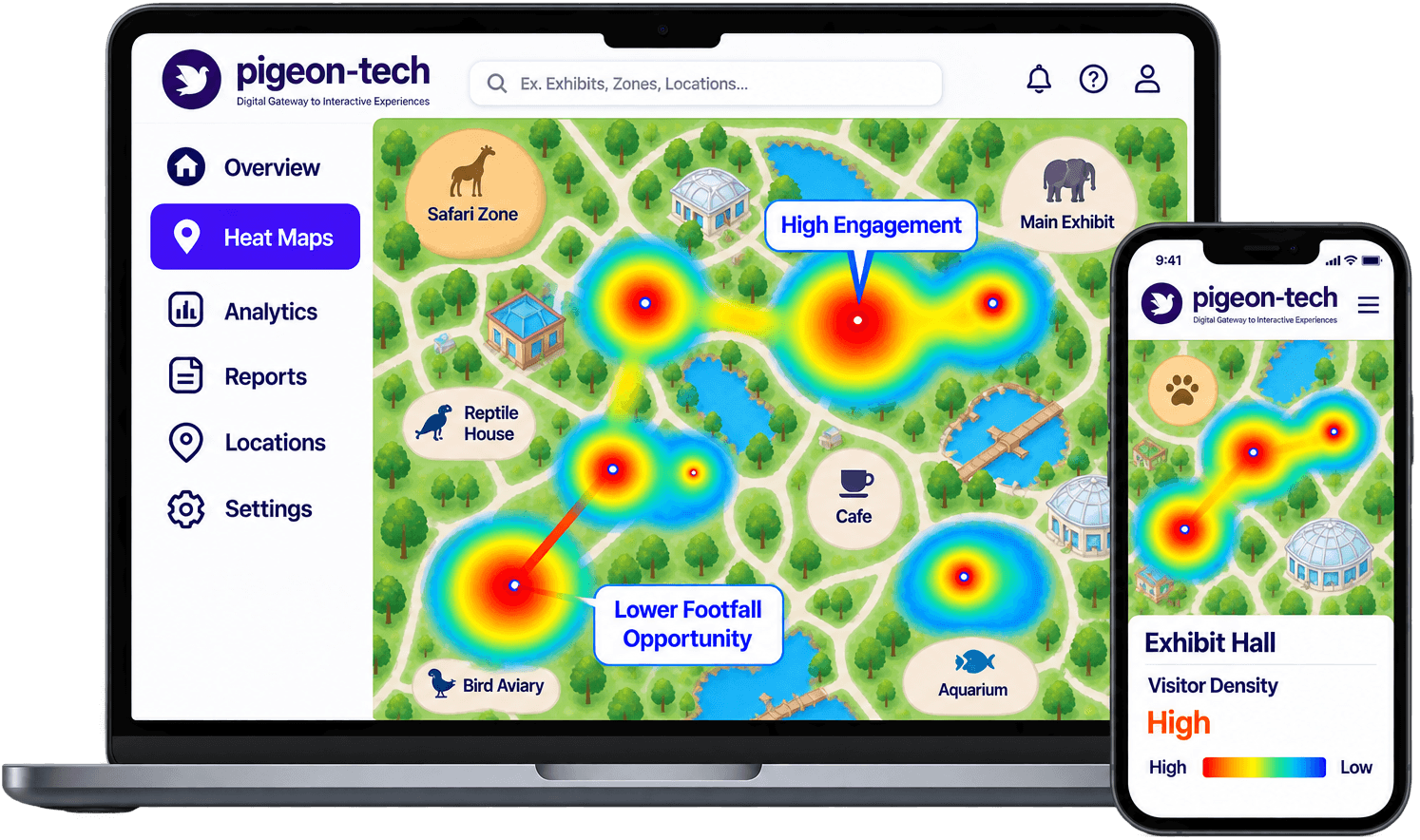
Give the right people the right access with flexible roles and permissions.
Role-Based Access Control (RBAC)
Granular Permissions Model
Comprehensive Audit Logging

Role-Based Access

Custom Permissions

Multiple User Types

Activity Tracking

Define, assign, and govern administrative access

Three structured steps to secure your venue management workflows.

Create Roles

Define user roles and permissions

Assign Users

Add users and set access levels

Manage & Monitor

Update access and track activity

Enterprise-grade access controls built for attractions

Protect critical configurations while empowering team collaboration.

Flexible Roles

Configure presets for administrators, curators, marketing staff, and operations personnel.

Granular Permissions

Set precise view, edit, approve, and publish rights on specific exhibits, modules, or maps.

User Management

Easily invite teammates, reset credentials, deactivate departing staff, and adjust roles.

Audit Logs

Track who made changes, published updates, or modified configurations with timestamped history.

Why venue organizations prioritize role-based governance

Prevent accidental changes, protect data integrity, and foster seamless teamwork.

Improves Security

Apply least-privilege access so staff only access the tools necessary for their role.

Prevents Errors

Safeguard live visitor content and global settings from accidental edits or unwanted publishing.

Greater Accountability

Clear ownership of updates ensures transparent operational workflows across departments.

Easier Collaboration

Multiple departments can work in the admin platform simultaneously without stepping on each other.

Explore Related Pigeon-Tech Experiences

No-code content publisher

Controlled data reporting

Complete venue control console

Secure deployment updates

Simplify Access Management

Give the right access, keep your app secure.

Frequently Asked Questions